
Stripchat VR cams: headset setup and tips
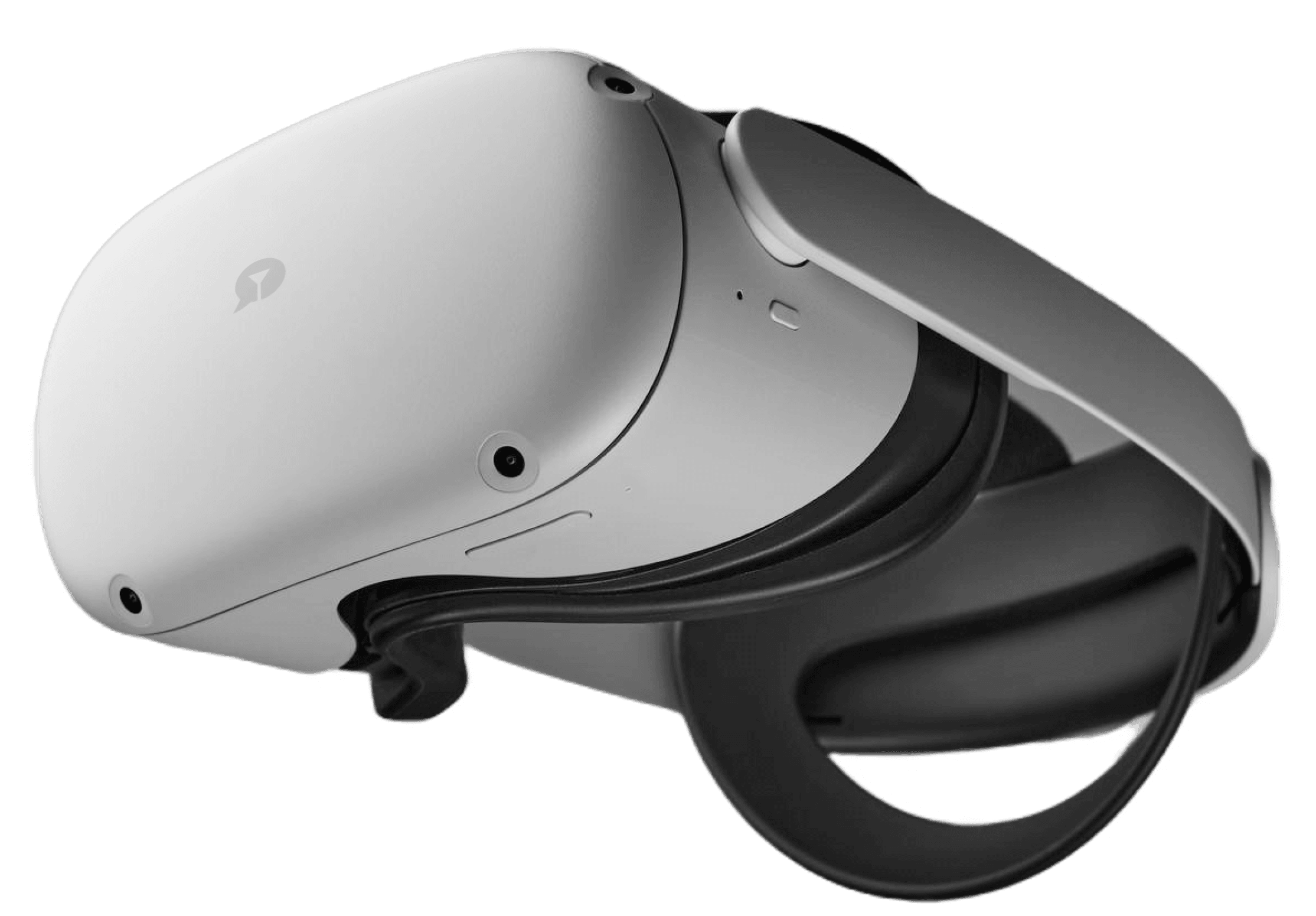
VR rooms put you inside the stream in immersive 180°: look around naturally while chat, tips and private shows work exactly like ordinary rooms. The whole setup is a supported headset plus a browser — nothing to download, nothing to install. 18+ only.
Why VR rooms feel different
VR trades watching for visiting — the room surrounds you instead of sitting inside a rectangle.

How Stripchat VR works
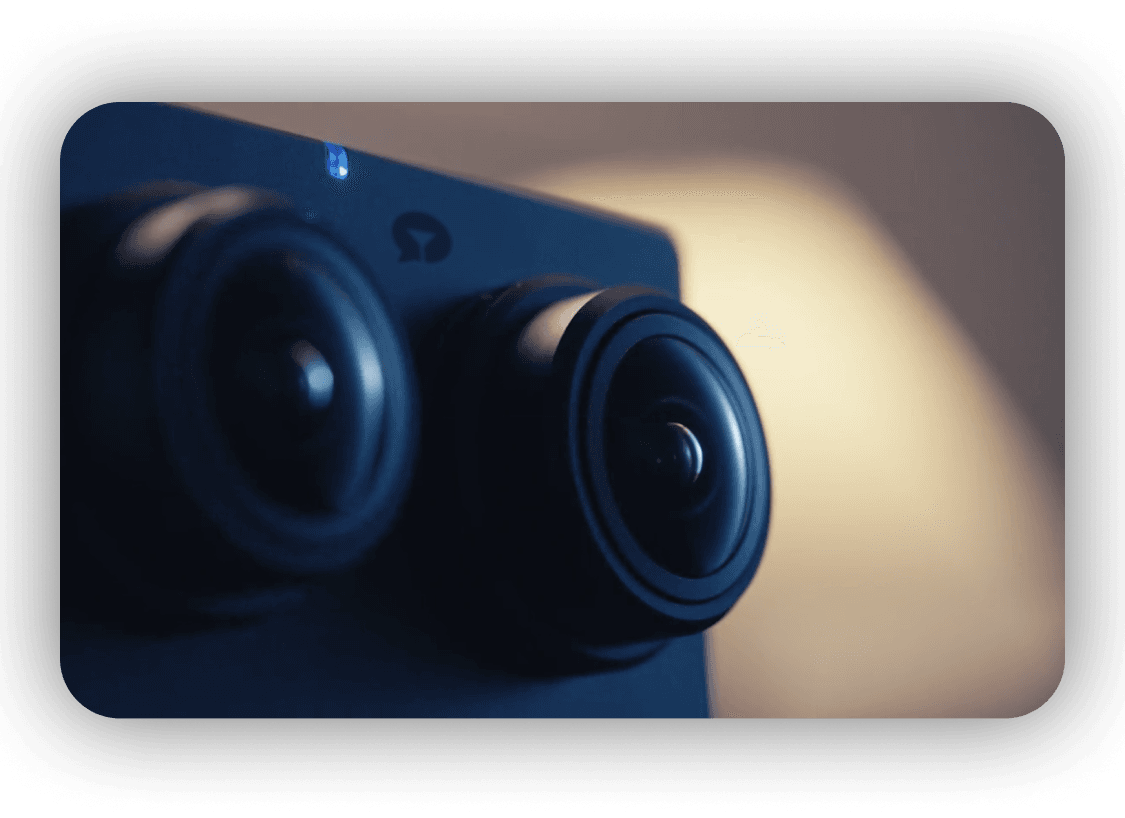
A VR broadcast is still an ordinary Stripchat room: same chat, tip menu and private rates. The camera rig captures it in 180°, so your headset puts you inside it. Move your head; the view follows.
Connect in three steps
Headset on, browser open, Enter VR — the whole routine takes under a minute.
- Put on the headset and open its browser, then go to Stripchat.
- Open any room tagged VR in the listings.
- Tap Enter VR and allow motion tracking when asked.

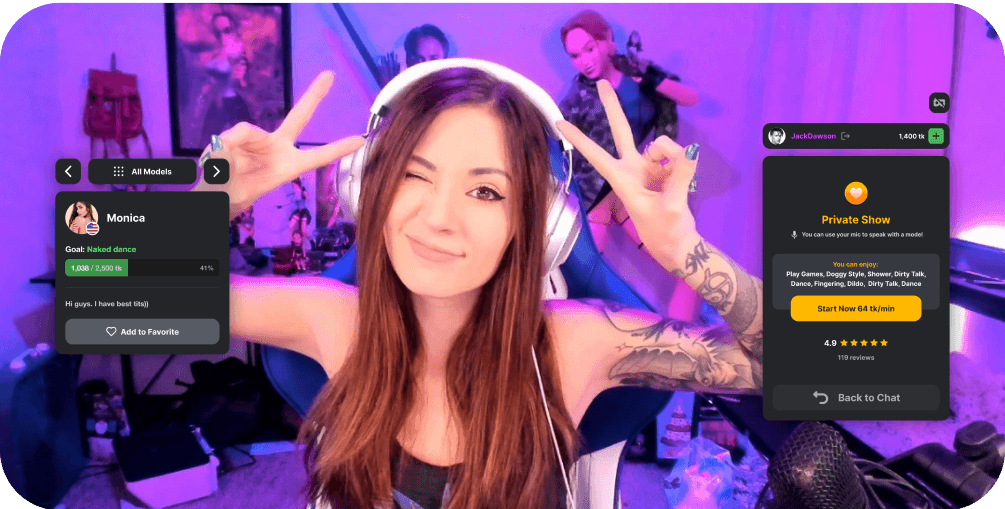
No headset handy? The same rooms still play as ordinary flat streams on a laptop or phone — drag to look around in the preview before spending tokens.
Moving between VR rooms
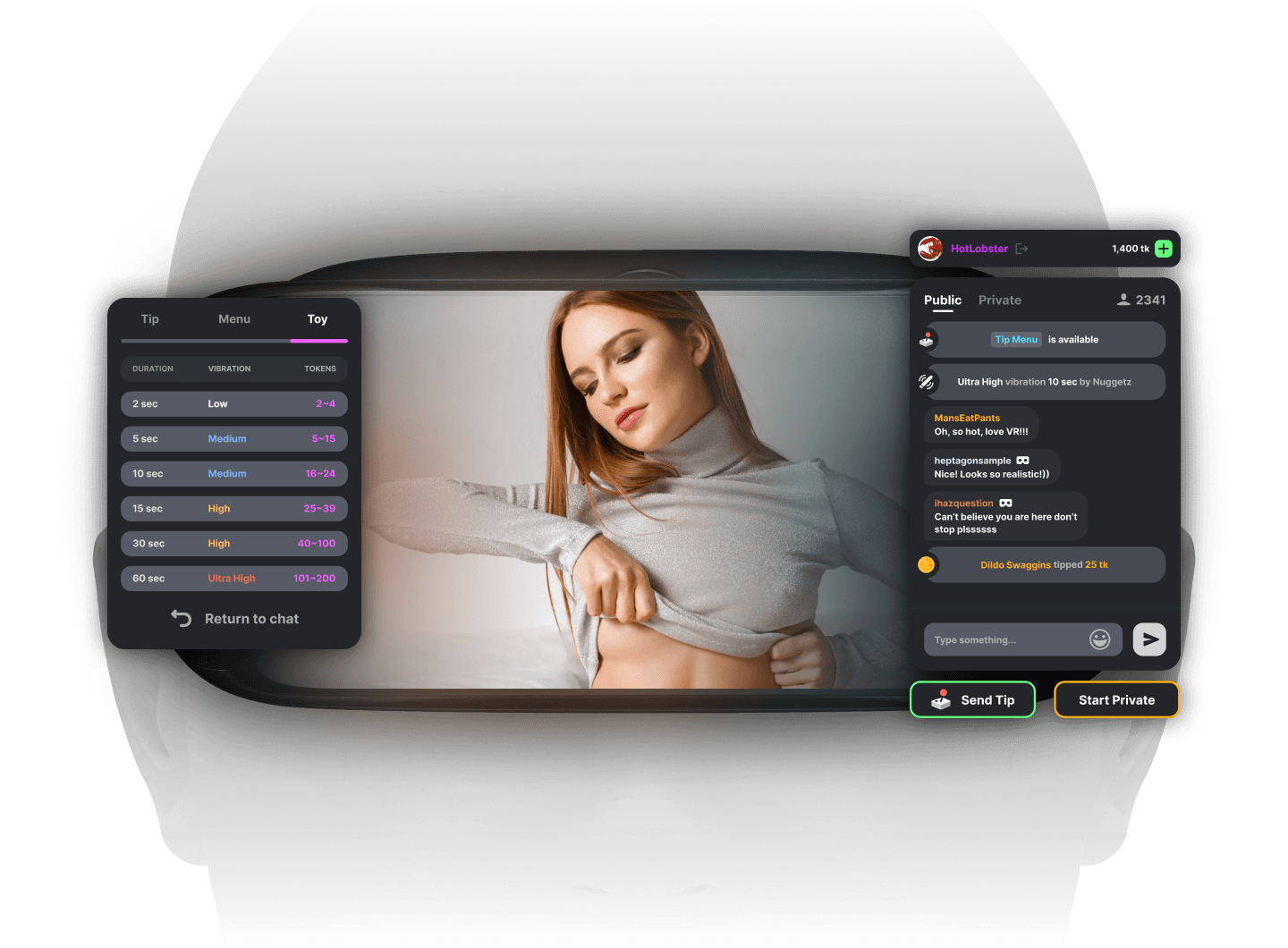
No lobby, no global mode toggle: every VR-tagged room is one tap away. Tokens, follows and chat carry over.
VR shows and what they cost
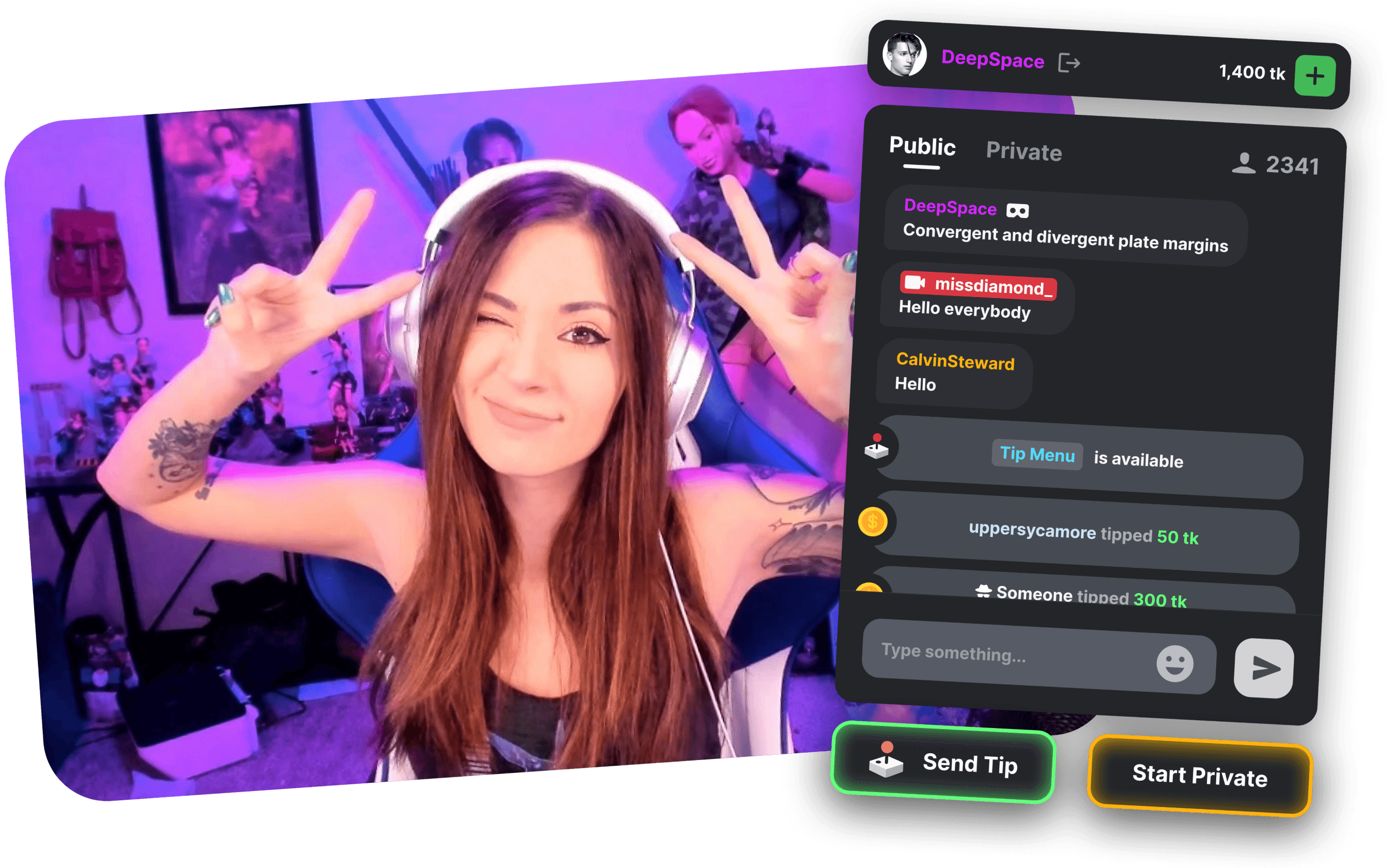
Public VR rooms are free to watch. Private VR is charged per minute in tokens at the model's rate; spy mode previews it cheaper.
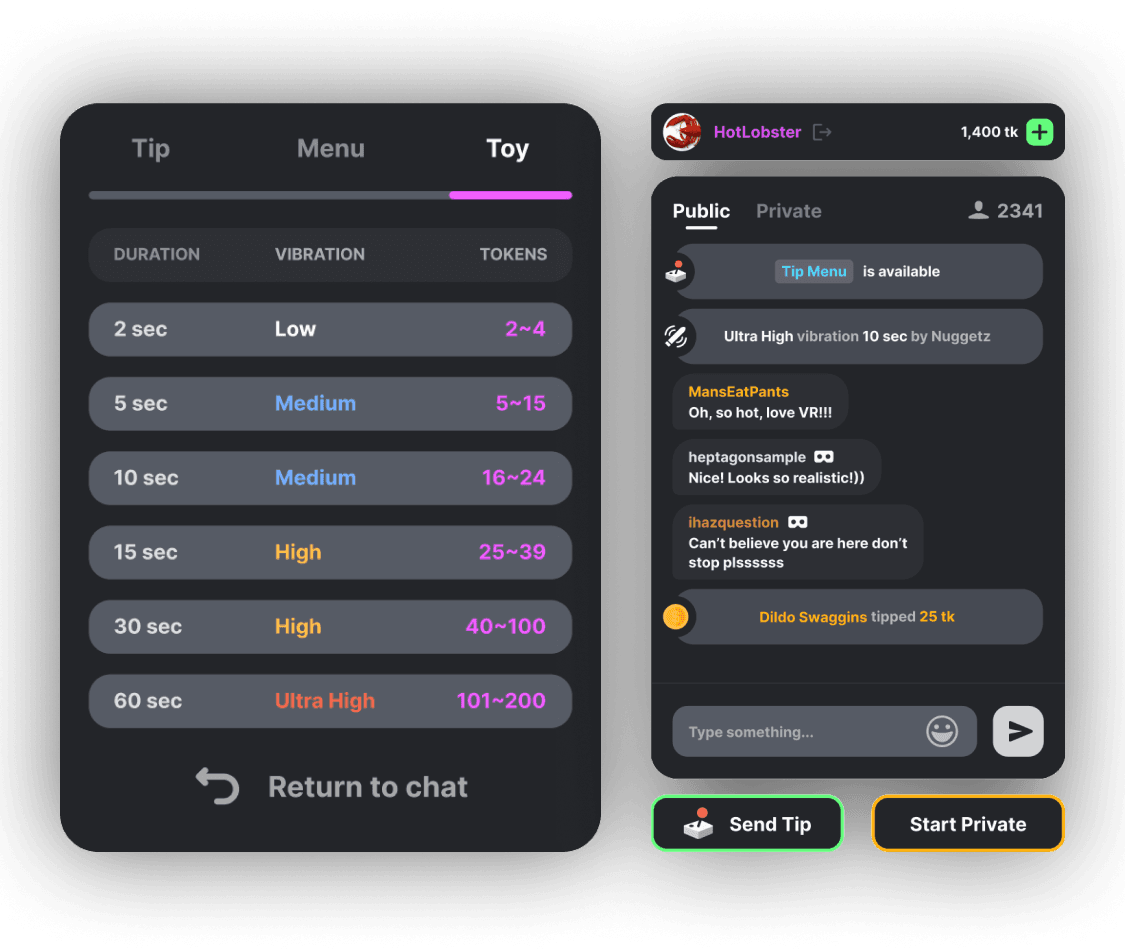
Tip menus, interactive toys, polls and games all work in VR exactly as they do in flat rooms. Buy tokens only on Stripchat's checkout — never here. See the tokens guide.
Fixes for the most common issues
- Black screen: update the browser, re-tap Enter VR, and allow motion sensors.
- Lag or blur: switch to 5 GHz Wi-Fi, drop one quality notch, close other tabs.
- No VR tag: filter rooms by the VR category — not every model streams in VR.
- Audio echo: use the headset speakers, not the phone and headset together.
VR questions, answered
What devices does Stripchat VR support?
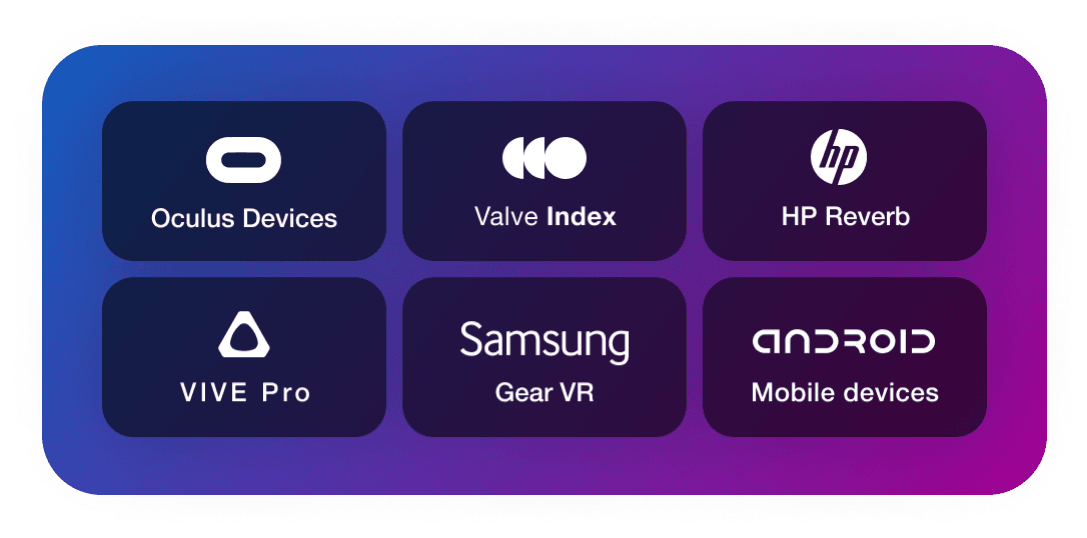
Any WebXR-capable headset with a browser: Quest 2, 3 and 3S, Pico 4 and similar. Desktop and phone browsers can preview the same rooms flat.
How long does it take to connect to Stripchat VR?
Under a minute once the headset is on: open the browser, enter a VR-tagged room, tap Enter VR and allow motion tracking.
Is Stripchat VR free?
Watching public VR rooms is free like any public room. Private VR is billed per minute in tokens at the model's rate.
Do I need an account to use Stripchat VR?
Watching needs none, same as flat rooms. Chatting needs a free account, and anything paid needs tokens.
We may earn a commission when you sign up — Affiliate Disclosure.